For iPhone and iPad
QR codes
that last.
Open it and a code is already on the page, ready to edit. Everything is made on your device, and the content lives in the pattern itself, so your code keeps working forever.
- Left out on purpose
AccountsCodes that expireRedirect linksTrackingSubscriptions
Coming soon to the App Store
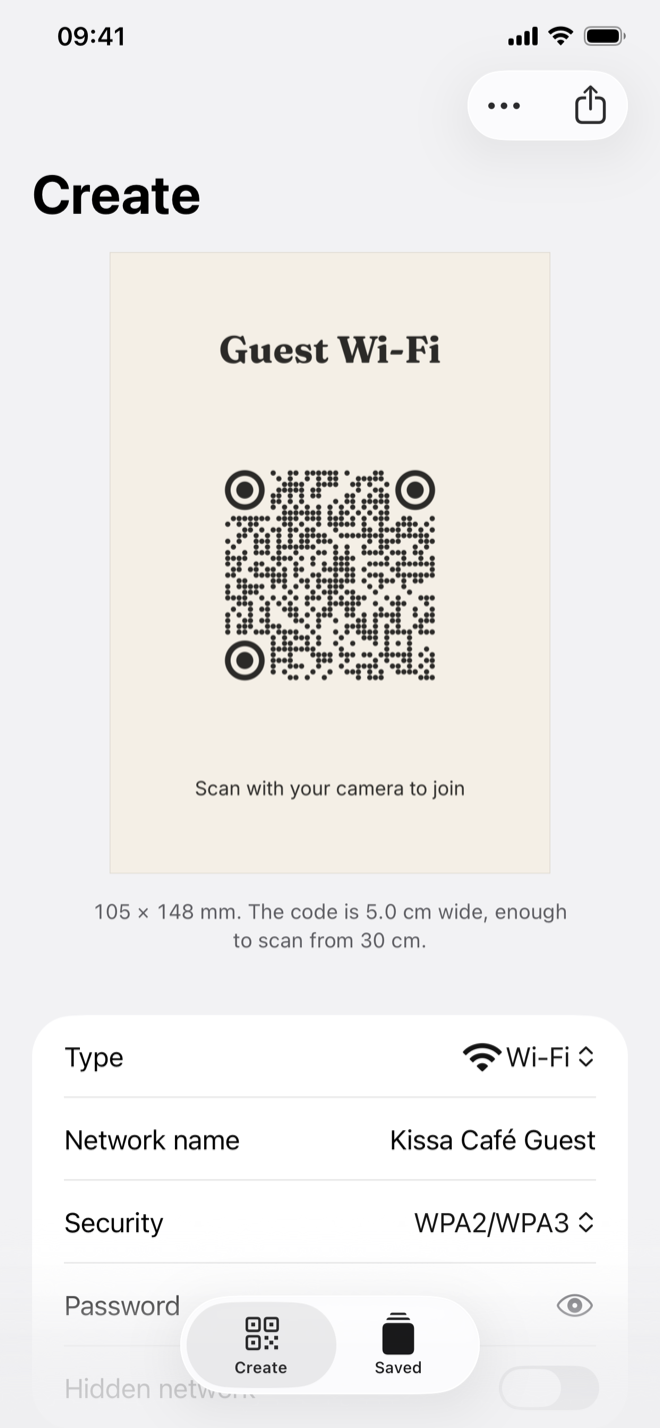
Made for everyday use. Ready to print.
Every kind of code
Links, text, Wi-Fi, contacts (vCard and MeCard), phone, SMS, email, location and calendar events, plus Deep Link with Pro. Guests scan a Wi-Fi code to join without typing a password. Share a link from another app to make a code from it.
Start from a template
Guest Wi-Fi, Menu, Find us, Event poster and Asset label are ready to fill in; the PromptPay counter sign and Business card come with Pro.
Every language, encoded right
Thai, Chinese and Japanese text is encoded correctly, so it never turns into garbled characters. Contact cards carry name readings for Japanese and Chinese names.
Ready to print, checked before it leaves
The app tells you how wide to print for the distance people scan from, and prints label sheets, table cards and business cards at exact size. Every export is read back on the device first; if a code might not scan, it says what to change.
Layouts and your brand (Pro)
Cards, signs, stickers and posts, with text anywhere in fonts for every language. Put your logo in the middle, kept small enough to scan, and keep your logo, colours and fonts as a brand.
Styles and export (Pro)
Presets from quiet ink to bold gradients, dot and corner shapes, your own colours. Vector SVG, print-ready PDF and PNG up to 4096 px, plus PromptPay payment codes for Thailand.
Calm on every screen
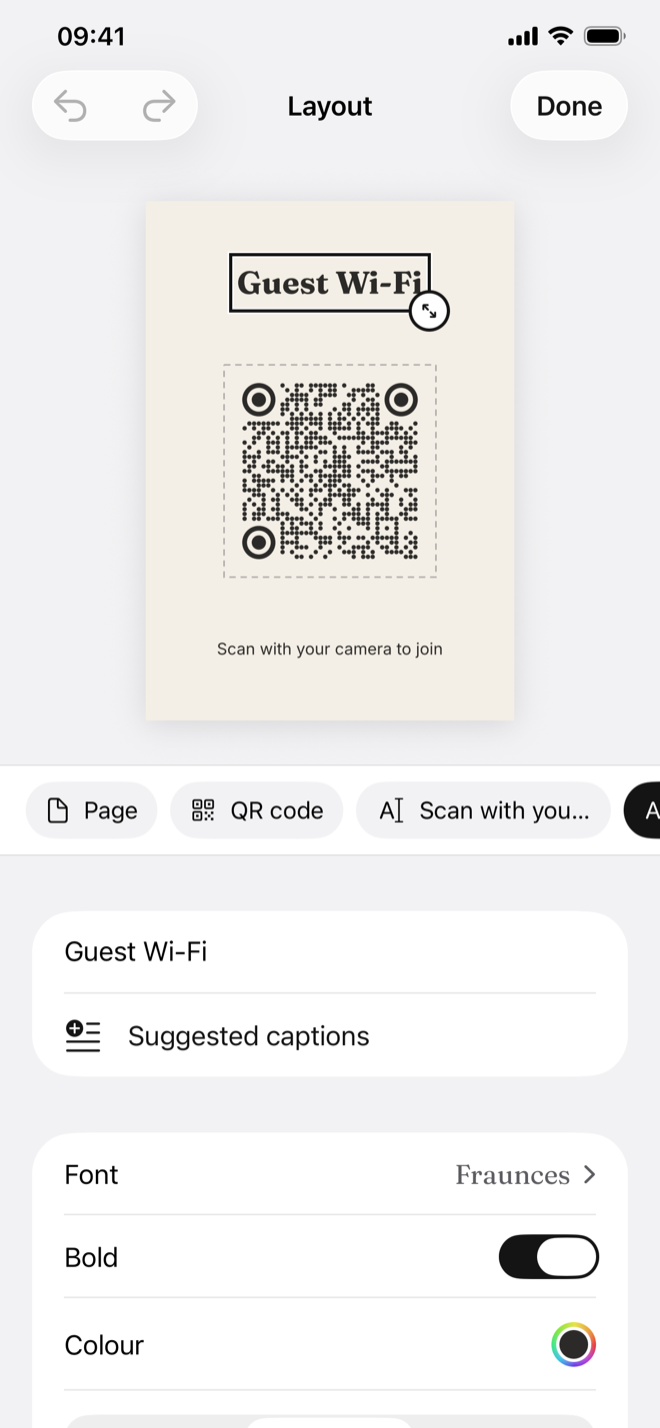
Text anywhere, with Undo 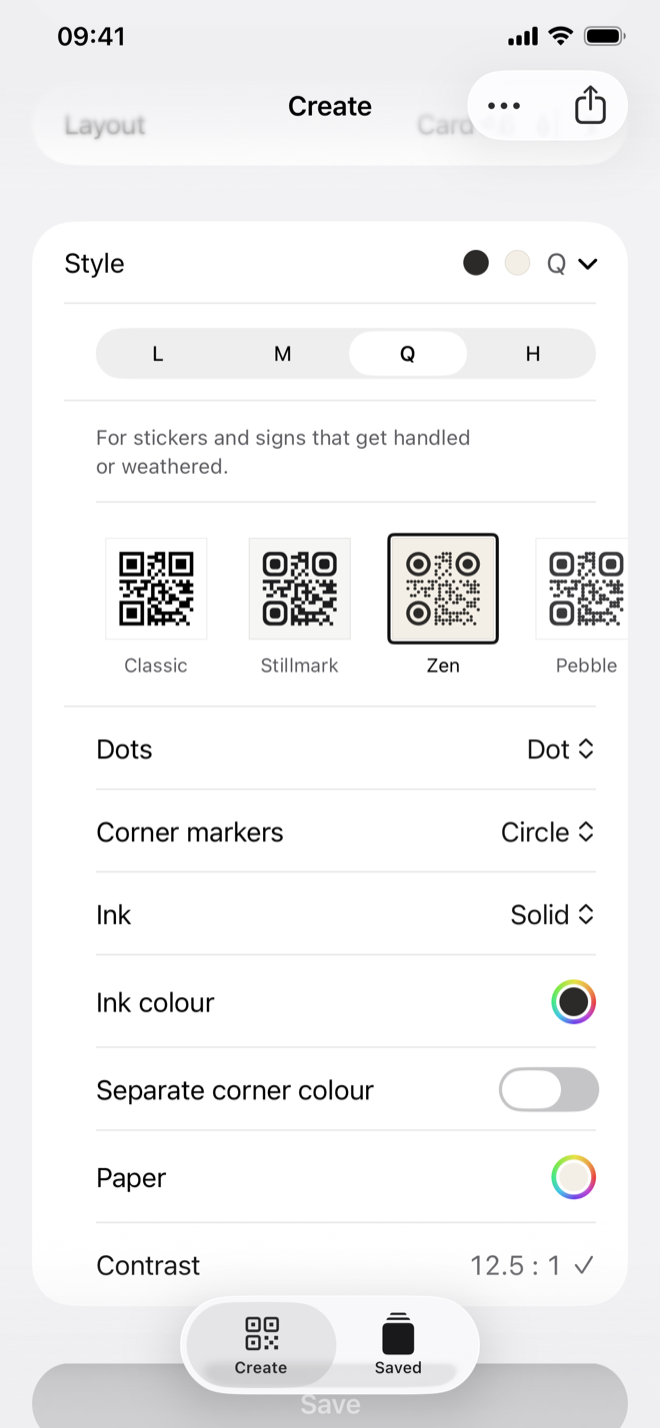
Styles that still scan 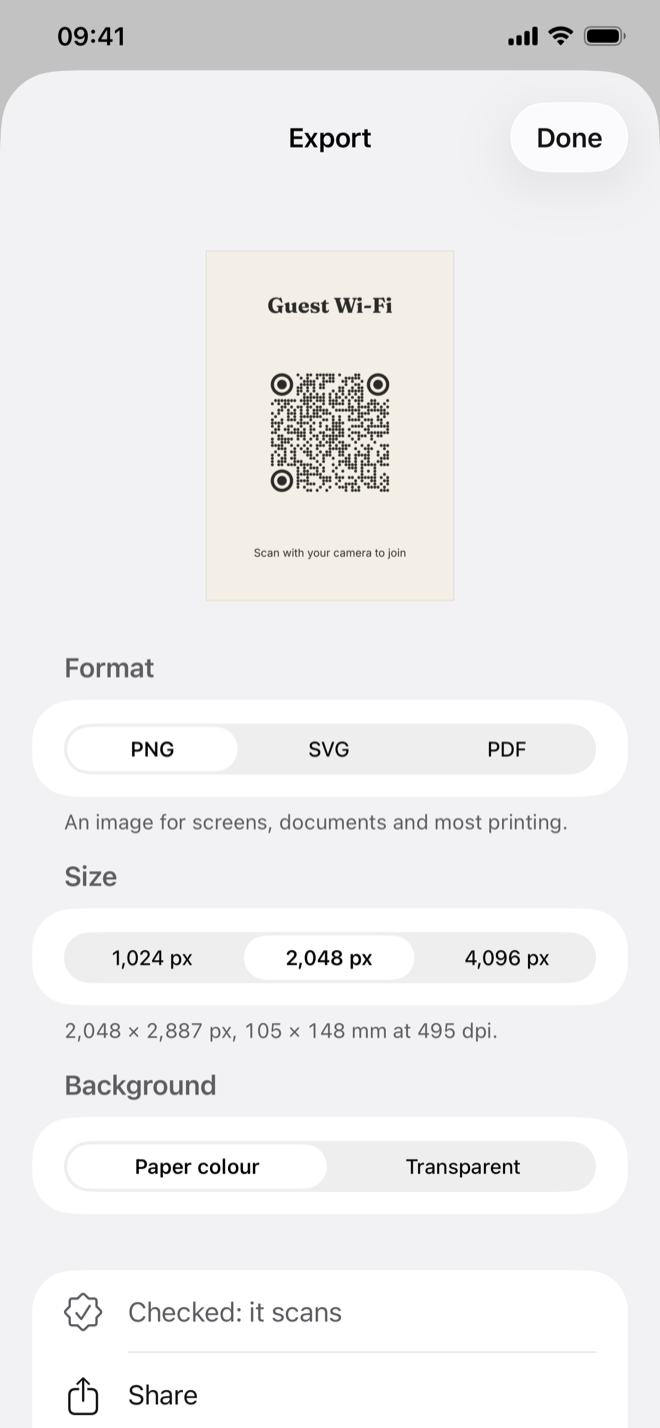
Checked on the device: it scans 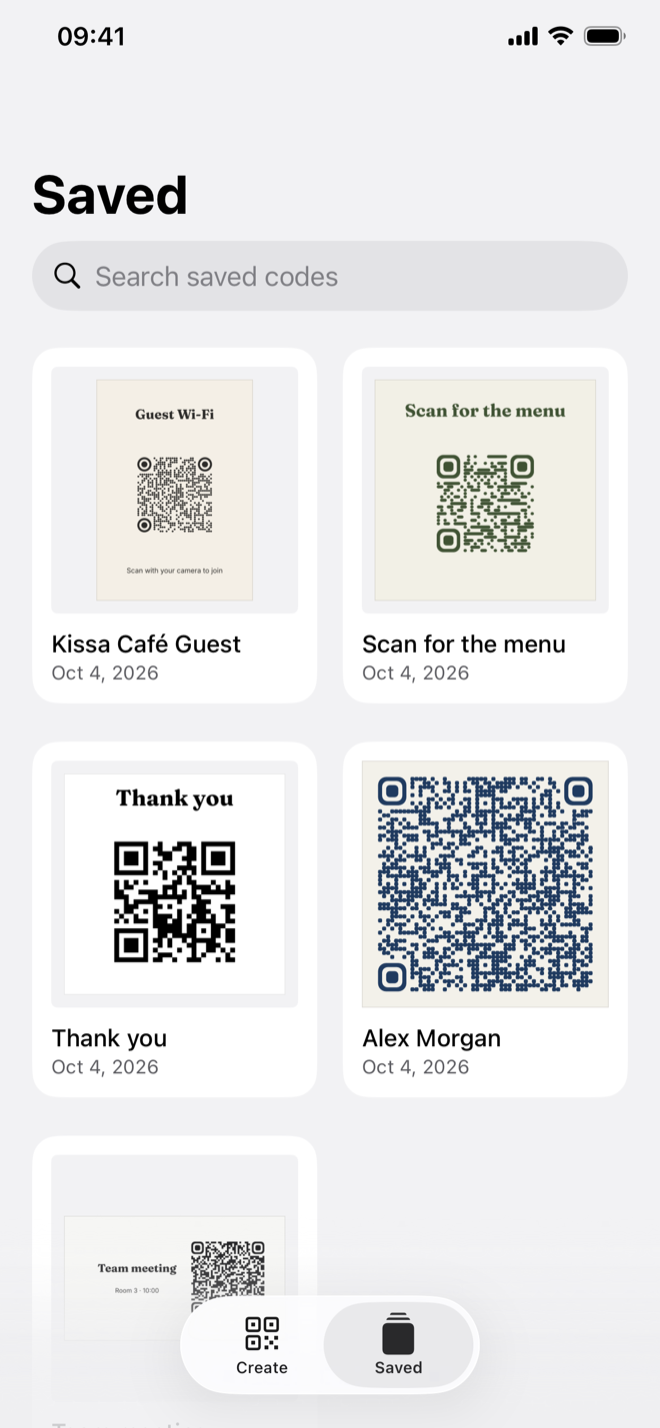
Every code you've made
Free to use. Pro is yours for good.
Everything free stays free. Stillmark QR Pro adds layouts, your logo and brand, styles and vector export, as one purchase: no subscription, no account.
The price in your currency is shown on the App Store.
Questions
Will my codes stop working?
No. The content is stored in the code itself. Nothing depends on us or on a server.
Does it need the internet or an account?
No account, and codes are made entirely on your device. Only “Choose on map” needs a connection, to search places with Apple Maps.
Can I change a code that's already printed?
A printed code can't change; that's what makes it last. “Remake from a photo” reads the code from a photo on your device and fills in its fields, so you can make a new one.
How do I move my codes to another device?
In Saved, use Backup to export your codes to a file, then import that file on the other device.
Is there a subscription?
No. The free features stay free, and Pro is one purchase, yours for good.
What do I need?
An iPhone or iPad with iOS 17 or later.